Local Services Ads for Childcare: A Lead Generation Guide
Learn how Local Services Ads (LSAs) help childcare centers dominate the top of Google Search. This guide covers the Google Screened badge, bidding strategies, and lead management.
In a nutshell
Local Services Ads (LSAs) allow childcare centers to appear at the very top of Google Search results, above traditional PPC and organic listings. By earning the Google Screened badge, centers build immediate trust and pay only for valid inquiries rather than clicks.
Understanding Local Services Ads for Childcare
For years, daycare owners relied on traditional Google Ads to find new families. However, local services ads for childcare have shifted the landscape by placing verified providers at the summit of the search engine results page (SERP). These ads appear even higher than standard pay-per-click (PPC) campaigns.
Unlike traditional search ads where you pay for every click, LSAs operate on a pay-per-lead model. This means you are only charged when a parent calls, texts, or messages your center through the ad platform. For a busy child care center, this ensures marketing dollars are spent on actual conversations rather than accidental clicks.
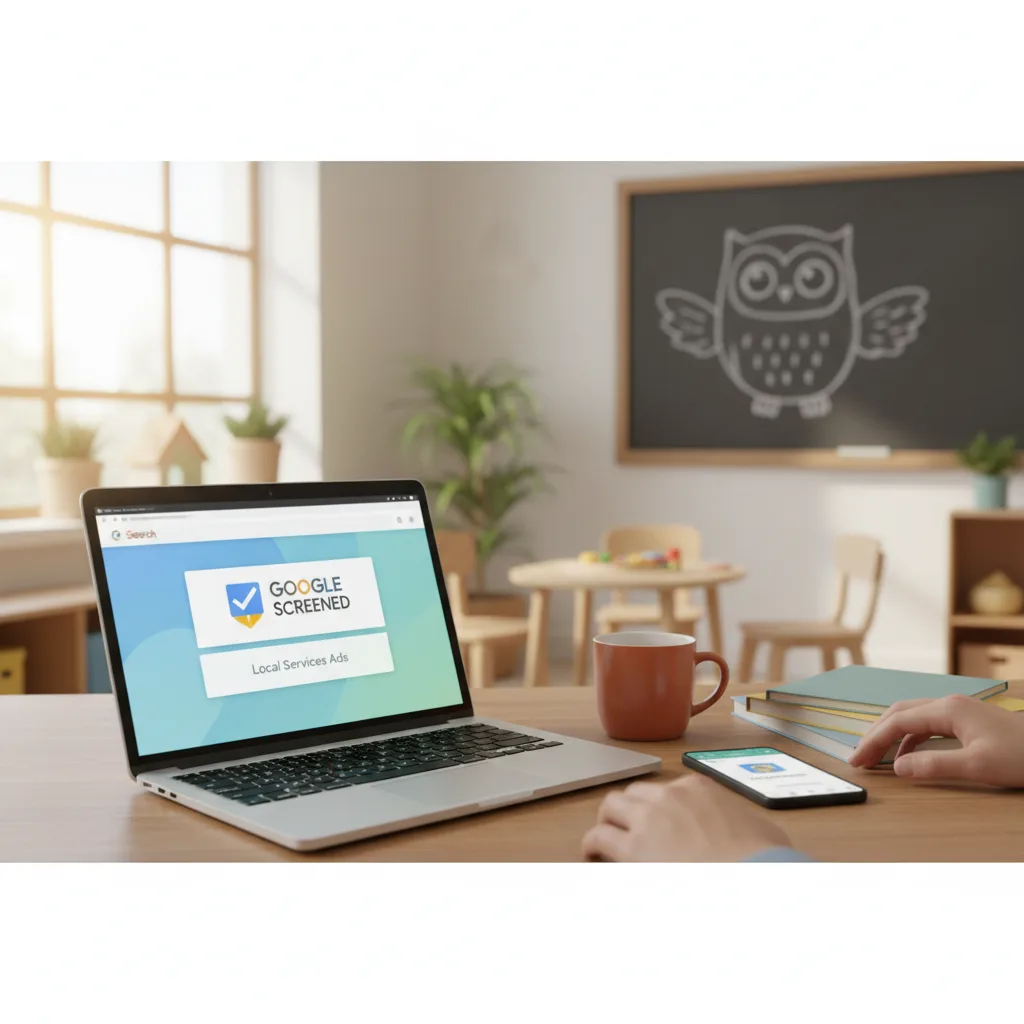
LSAs are particularly effective because they feature the "Google Screened" checkmark. This badge signals to parents that your business has passed Google's rigorous background and licensing checks, providing a massive advantage in the competitive early childhood education market.
The Power of the Google Screened Badge
Safety and trust are the primary concerns for parents selecting a preschool or daycare. The Google Screened badge serves as a digital seal of approval, appearing prominently next to your business name. To earn this, your center must undergo a verification process that includes:
- Verification of active state childcare licensing.
- Proof of valid professional liability insurance.
- Background checks for business owners and relevant staff.
- A minimum average star rating of 3.0 on Google Business Profile.
By investing in daycare marketing through LSAs, you aren't just buying traffic; you are buying credibility. When a parent searches for "best preschools near me," seeing that green checkmark can be the deciding factor that leads them to click your profile over a competitor's.
How LSA Rankings Are Determined
Simply signing up for LSAs doesn't guarantee you'll be the first result every time. Google uses a specific set of criteria to determine which centers appear in the top three spots. Understanding these factors is key to maximizing your reach.
Google prioritizes responsiveness. If you consistently miss calls or take days to reply to messages in the LSA dashboard, your ranking will plummet. Google wants to provide a good experience for the searcher, so they reward centers that answer the phone.
Other ranking factors include:
- Your proximity to the searcher's location.
- Your review score and the number of recent reviews.
- Your business hours (ads are more likely to show when you are open).
- Your history of resolving complaints or disputes through the platform.
Setting Your Budget and Bidding Strategy
Setting up local services ads for childcare requires a different mindset than traditional SEO. While childcare SEO is a long-term play, LSAs are an on-off switch for lead flow. You set a weekly budget based on the number of leads you want to receive.
In the US market, the cost per lead can vary significantly by state and city. A center in a high-density area like New York or San Francisco might pay $25 to $60 per lead, while a rural center might pay half that. You can choose to "Maximize Leads" (letting Google bid for you) or set a manual cap on what you are willing to pay for a single inquiry.
Want this done for you?
Book a free Business Review Session and we'll map out exactly how to apply this to your setting.
Book my session →Optimizing Your LSA Profile for More Leads
Once you are approved for LSAs, you must treat your profile as a high-converting landing page. Parents will see your business name, reviews, and a few "Service Highlights." These highlights are short tags that call out specific features of your center.
Commonly used highlights for childcare include "NAEYC Accredited," "After-school Care Available," "Infant Programs," or "Voucher Programs Accepted." Choose the tags that best represent your unique selling points to attract the right demographic of parents.
Additionally, you should regularly update your photos within the LSA dashboard. While you shouldn't show children's faces for privacy, high-quality shots of your clean, bright classrooms and outdoor play areas can significantly increase your click-through rate. A modern, well-maintained facility is a major driver for childcare business growth.
Managing Leads and Disputing Invalid Calls
One of the best features of LSAs is the ability to dispute leads. Since you are paying for inquiries, Google allows you to request a refund for calls that are not legitimate leads. This includes wrong numbers, telemarketers, or people looking for services you clearly don't offer.
To keep your ROI high, you must actively manage the lead dashboard. Listen to the call recordings provided by Google to verify the quality of the lead. If you receive a call from someone looking for senior care or pet sitting, you can mark it as "invalid" to get your money back.
Effective lead management is essential for increasing childcare profit. By ensuring you only pay for parents actually looking for childcare, you keep your acquisition costs low and your conversion rates high.
Integrating LSAs Into a Full Marketing Strategy
While local services ads for childcare are powerful, they should not be your only source of traffic. A healthy marketing ecosystem uses LSAs for immediate, high-intent leads while utilizing a high-performance childcare website to convert that traffic into tours.
Think of LSAs as the "billboard" at the top of the street. It gets their attention and proves you are trustworthy. Once the parent clicks, they need to see a professional website that reinforces that trust with parent testimonials, curriculum details, and an easy tour-booking system.
FAQs
What is the difference between Google Ads and Local Services Ads?
Google Ads (PPC) uses a pay-per-click model and appears below LSAs. You bid on keywords like "daycare near me." Local Services Ads appear at the very top, use a pay-per-lead model, and require a "Google Screened" verification process involving background checks and license verification.
How long does it take to get Google Screened?
The verification process typically takes between two and five weeks. This depends on how quickly you provide your state license, insurance documents, and how fast the background check provider processes your information. It is best to have all documents ready before starting the application.
Can I run LSAs if I don't have a high Google rating?
Google requires a minimum average rating of 3.0 stars to participate in Local Services Ads. However, because these ads are highly competitive, centers with a 4.5 to 5.0-star rating and a high volume of recent reviews will generally see better placement and more leads than those with lower scores.
Are Local Services Ads available for all childcare types?
Yes, LSAs are available for most childcare categories, including daycares, preschools, and early learning centers. As long as you possess a valid state license and meet the insurance requirements, you can apply for the Google Screened badge and start running ads.
What happens if I miss a call from a lead?
Missing calls negatively impacts your LSA ranking. Google tracks your responsiveness. If you are unable to answer the phone during business hours, it is vital to return the call as soon as possible via the LSA app to maintain your standing in the search results.
Ready to dominate your local market and fill your waitlist? We specialize in helping early learning centers scale their enrollment through targeted digital strategies. Book your free strategy session today to learn how we can help you implement Local Services Ads successfully.