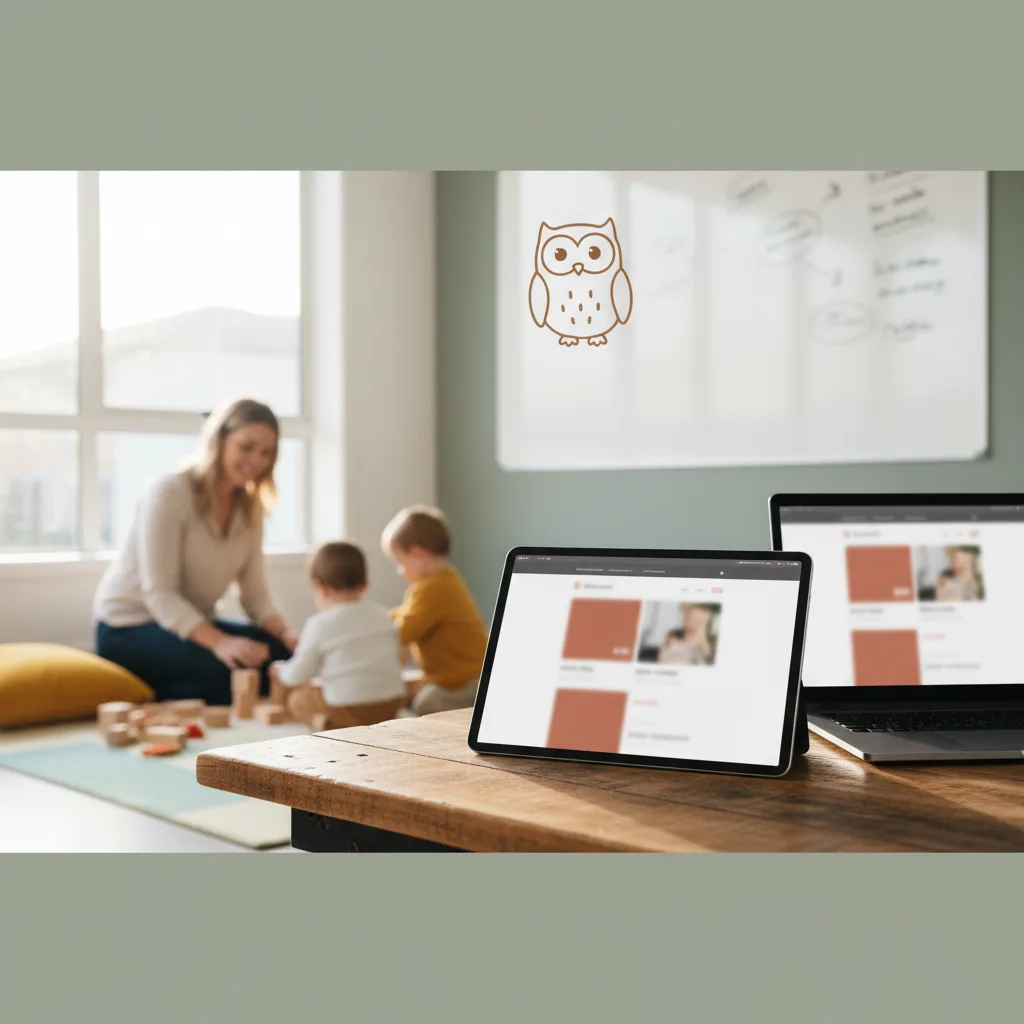
How to Design a Virtual Daycare Tour
A virtual tour is no longer a luxury; it is a critical part of the modern parent's search process. Learn how to create a high-converting digital experience for your child care center.
In a nutshell
A virtual tour bridges the gap between a Google search and a physical visit. By combining high-quality visuals with emotional storytelling, you can showcase your center's safety and curriculum to prospective parents 24/7.
In the modern enrollment landscape, parents often decide which child care centers to visit before they ever pick up the phone. They are busy, tech-savvy, and deeply concerned about the environment where their child will spend 40+ hours a week. A virtual tour is your first opportunity to build trust.
Designing an effective tour isn't just about showing off your classrooms; it's about demonstrating your values and your commitment to safety. Whether you are using a 360-degree interactive platform or a polished video walkthrough, the goal is the same: convert website traffic into tour requests.
Choosing the Right Format for Your Virtual Daycare Tour
Before you pick up a camera, you need to decide which format best suits your childcare business growth goals. Each format has distinct advantages depending on your budget and technical comfort level.
- 360-Degree Interactive Tours: These allow parents to "walk" through the building at their own pace using tools like Matterport. It provides the most transparent view of your center.
- Guided Video Walkthroughs: A produced video where the Director or Owner speaks directly to the camera, explaining the philosophy behind each room.
- Slideshow Storytelling: A series of high-resolution professional photos set to music with voiceover narration.
For most centers, a hybrid approach works best. You want the immersive feel of a 360 tour combined with the personal touch of a video introduction to ensure your childcare website stands out from local competitors.
Planning Your Shot List and Flow
A great tour follows the natural path a parent would take during a physical visit. Start at the front entrance to demonstrate your security protocols, such as keypad entries or sign-in kiosks.
From there, move through the age-appropriate transition areas. Consider including the following stops:
- The Lobby: Highlight your security desk and parent communication boards.
- Infant Rooms: Focus on cleanliness, individual cribs, and the warm, nurturing environment.
- Preschool Classrooms: Showcase learning centers, STEAM materials, and NAEYC-aligned curriculum displays.
- Outdoor Play Areas: Emphasize safety surfacing, shaded areas, and age-segregated play equipment.
- The Kitchen: If you provide meals, show a clean, organized prep area to alleviate nutritional concerns.
Optimizing for Trust and Safety
Parents are looking for red flags as much as they are looking for highlights. When learning how to design a virtual daycare tour, you must prioritize the details that signal professionalism and state licensing compliance.
Ensure all areas are impeccably clean before filming. Remove any cluttered paperwork from desks and ensure cubbies are organized. If you display your state license or accreditation certificates on the wall, make sure they are visible but not so close that personal information is compromised.
Remember that privacy is paramount. Avoid filming children’s faces unless you have specific, signed media releases for marketing purposes. Many centers prefer to film on a weekend or after hours to ensure a clean, distraction-free environment that focuses solely on the facility.
Want this done for you?
Book a free Business Review Session and we'll map out exactly how to apply this to your setting.
Book my session →Technical Requirements for a Professional Look
You don't need a Hollywood budget, but poor lighting and shaky audio will drive parents away. If you are producing the tour in-house, invest in a basic tripod and a gimbal for your smartphone to ensure smooth movement.
Lighting is the most critical element. Open all blinds to let in natural light, but be wary of harsh glares on whiteboards. If a room feels dark, use portable LED panels to brighten the corners. Dark rooms can inadvertently look "dirty" or "unwelcoming" on camera.
If you are recording a voiceover, use a dedicated microphone rather than the built-in phone mic. Clear audio makes your daycare marketing feel significantly more premium and trustworthy. You can learn more about presenting your brand effectively in our guide to social media for child care.
Integrating the Tour Into Your Enrollment Funnel
A virtual tour shouldn't be hidden on a sub-page. It should be a primary Call to Action (CTA) on your homepage. The goal is to move the parent from "just looking" to "taking action."
Consider these placement strategies:
- The Hero Section: Place a "Take a Virtual Tour" button right at the top of your homepage.
- The Contact Page: Use the tour as a final nudge for parents who are hesitant to fill out a form.
- Email Auto-responders: When a parent inquires, automatically send them the tour link to keep them engaged while they wait for your call.
By tracking how many people view the tour versus how many book a physical visit, you can calculate your conversion rate using an enquiry calculator to see the direct ROI of your digital assets.
Scripting Your Story for Maximum Impact
Don't just describe what is in the room; describe the *benefit* to the child. Instead of saying "This is our preschool room," try "This is where our preschoolers develop the social-emotional skills they need for Kindergarten through play-based exploration."
Use "you" and "your child" frequently to help the parent visualize their family in your space. Mention your curriculum, whether it is Montessori, Reggio Emilia, or a custom internal program. This builds value and justifies your tuition rates by showing the intentionality behind your environment.
Finally, ensure your tour is mobile-responsive. Over 70% of parents will likely view your center on their phones during a lunch break or while commuting. If the tour doesn't load quickly, they will bounce to the next center on their list. A fast, clean SEO strategy ensures they find you, but the tour ensures they stay.
FAQs
How long should a virtual daycare tour video be?
For a video walkthrough, aim for 2 to 4 minutes. Anything longer risks losing the parent's attention. If you have a large facility, use chapters or timestamps so parents can jump directly to the age group that matters most to them.
Do I need to hire a professional photographer?
While modern smartphones are capable, a professional real estate photographer understands wide-angle lenses and HDR lighting, which makes small classrooms look spacious and bright. It is usually a one-time investment that pays for itself with just one new enrollment.
Should I include children in the virtual tour?
It is often easier to film an empty center to avoid privacy issues and background noise. However, showing "life" in the building is valuable. If you include children, ensure you have explicit written consent and focus on wide shots rather than close-ups of faces.
What is the best way to host a 360 tour?
Matterport is the industry standard for 360-degree tours. It allows you to embed "mattertags" which are clickable icons that pop up with text or videos explaining specific features, like your sanitization stations or reading corners.
How does a virtual tour help with SEO?
A virtual tour increases "dwell time," which is the amount of time a user spends on your site. Google sees long dwell times as a signal that your website provides high-quality content, which can help improve your search engine rankings over time.
Ready to transform your digital presence and start winning more enrollments? Let us help you integrate high-converting features into your center's strategy. Book your free business review session today.