
How to Rank a Nursery on Google Maps
Struggling to get your childcare setting seen? Discover the exact local SEO strategies required to boost your visibility and secure a top spot on Google Maps.
In a nutshell
Securing a spot in the Google Local Pack is the most effective way to drive consistent parent enquiries. This guide covers how to optimise your Google Business Profile, manage local citations, and leverage reviews to dominate your local area.
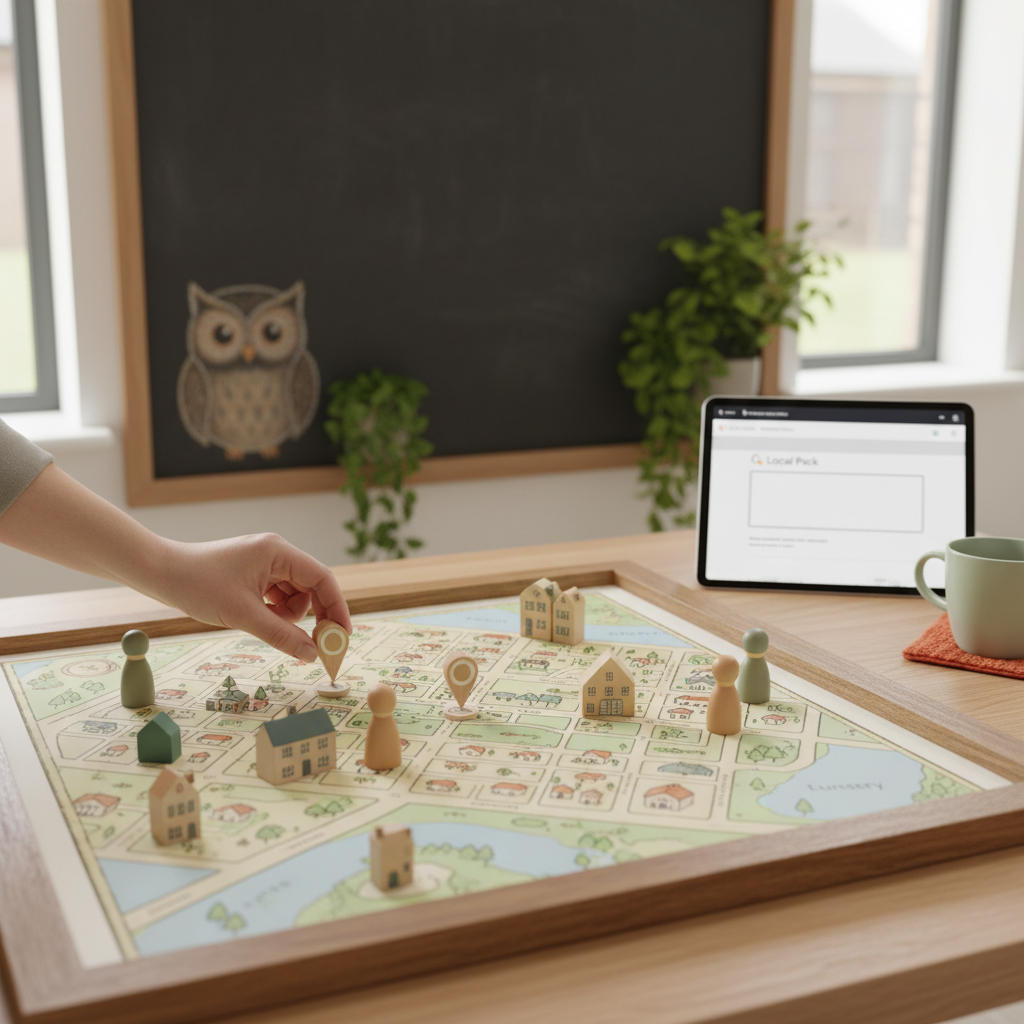
For most parents, the search for a nursery starts with three simple words: "nursery near me". When they type this into their phone, Google presents a map and three featured listings, known as the Local Pack. If your setting isn't in those top spots, you are effectively invisible to a huge portion of your local market.
Understanding how to rank a nursery on Google Maps is no longer a luxury; it is a fundamental part of running a successful early years business. With competition for funded hours and private places increasing, appearing where parents are looking is vital for maintaining high occupancy levels.
Claim and Verify Your Google Business Profile
Your Google Business Profile (GBP) is the cornerstone of your local presence. Without a verified profile, you cannot appear in Google Maps results, regardless of how good your main website is. This profile acts as your digital shopfront, providing essential information at a glance.
Start by ensuring you have claimed the listing for your specific site. If you operate a group of nurseries, each location must have its own unique, verified profile to rank individually in its respective catchment area.
- Ensure your nursery name matches your external signage exactly.
- Select the primary category as "Nursery school" or "Day care centre".
- Add high-quality photos of your EYFS environments and outdoor play areas.
Optimising for Local Search Terms
To improve your visibility, you must align your profile with the terms parents actually use. While you might think of yourself as an "Early Years Excellence Centre", a parent is more likely searching for a "pre-school" or "childcare provider".
Integrate these keywords naturally into your business description. Mention your specific location, nearby landmarks, or the boroughs you serve. This helps Google associate your physical location with the searcher's intent.
If you are looking to scale your reach beyond just maps, investing in professional childcare SEO can help bridge the gap between local map listings and organic search results. A cohesive strategy ensures you appear in both places simultaneously.
The Power of NAP Consistency
NAP stands for Name, Address, and Phone number. Google uses this data to verify that your business is legitimate and trustworthy. If your address is written differently on your website than it is on your Facebook page or Yell listing, Google becomes confused.
Inconsistency signals a lack of reliability, which can negatively impact your rankings. You should conduct a mini-audit of your online presence to ensure every mention of your nursery is identical.
- Check your postcode is correct and matches Royal Mail records.
- Ensure your phone number uses the local area code rather than a mobile number where possible.
- Link directly to a high-quality landing page via your nursery website to provide a seamless user journey.
Want this done for you?
Book a free Business Review Session and we'll map out exactly how to apply this to your setting.
Book my session →Generating and Managing Parent Reviews
Reviews are perhaps the most influential ranking factor for Google Maps. A nursery with a 4.8-star rating and fifty reviews will almost always outrank a competitor with a 5.0-star rating but only two reviews. Google values recency and frequency as much as the score itself.
Encourage your current parents to leave feedback by sending out a link in your monthly newsletter or placing a QR code in the reception area. Be sure to respond to every review, whether it is positive or negative, as this demonstrates active engagement.
High-quality reviews also serve as social proof, making your daycare marketing much more effective. When a parent sees others praising your Ofsted rating or the kindness of your practitioners, they are far more likely to book a tour.
Using Google Posts for Engagement
Many nursery owners forget that Google Business Profile has a social-media-like feature called "Posts". These allow you to share updates, photos, and events directly on the search results page. Regular posting signals to Google that your business is active and providing up-to-date information.
You can use these posts to highlight specific aspects of your setting that set you apart from the competition. This not only helps with ranking but also encourages clicks through to your site.
- Announce upcoming open days or stay-and-play sessions.
- Share photos of new equipment or revamped sensory rooms.
- Highlight your latest Ofsted 'Good' or 'Outstanding' result.
- Promote available spaces for 15 or 30-hour funded places.
Building Local Citations and Backlinks
Google looks beyond your own profile to see what the rest of the web says about you. Local citations are mentions of your business on other websites, such as local council directories, childcare listing sites, and community blogs. The more reputable sites that link to you, the higher your authority becomes.
For many settings, the goal is not just to be seen, but to drive a specific financial outcome. By focusing on childcare business growth, you can ensure that the traffic you get from Google Maps actually converts into high-value registrations.
"Local SEO isn't just about being found; it's about being the most trusted choice in a three-mile radius."
Monitoring Performance and Insights
Finally, you must track your progress. The Google Business Profile dashboard provides "Insights" that show you how many people found you, whether they called you directly from the map, or if they requested directions to your nursery. Use this data to refine your strategy over time.
If you notice a dip in views, check if a new competitor has opened nearby or if your NAP consistency has been disrupted. Staying on top of these small details is the key to long-term dominance in the local search results.
FAQs
How long does it take to rank on Google Maps?
Typically, you can see movement within 3 to 6 months of consistent optimisation. However, highly competitive urban areas may take longer. Factors like the age of your domain, the number of existing reviews, and the accuracy of your citations all play a role in how quickly Google trusts your listing.
Do I need a website to appear on Google Maps?
While you can technically have a Google Business Profile without a website, it is much harder to rank well. Google uses your website's content to understand your services better. A well-optimised site provides the relevancy signals needed to push your map listing into the top three positions.
Should I include keywords in my nursery name on Google?
You should only use your legal trading name. Adding extra keywords like "Best Nursery in Manchester" to your business name is against Google's terms of service and can lead to a profile suspension. Instead, weave those keywords into your business description and your website's meta tags.
How do I handle a negative review on my profile?
Always respond professionally and calmly. Acknowledge the concern and offer to discuss the matter privately via email or phone. Prospective parents often judge a nursery by how they handle criticism rather than the criticism itself. A proactive, polite response can actually build more trust than a perfect record.
Ready to transform your local presence and fill your occupancy gaps? Book a free session with our team today to start your journey toward local search dominance.